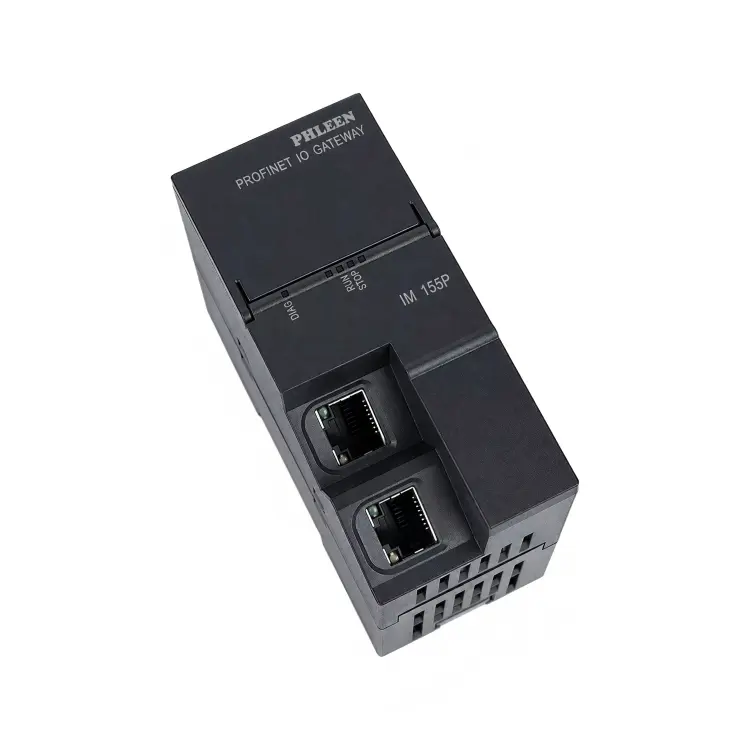
IM155P
F7 155-1PN16-0AA0,supports up to 16 Smart-series expansion modules. It enables ProfiNet-to-Modbus RTU conversion and can connect up to 16 Modbus RTU slaves. Compatible with 200smart、1200、1500CPU.
- Model No.
- IM155P
- Order No.
- F7 155-1PN16-0AA0
- Product Size
- 45*100*81mm
Product Advantages
- PROFINET Communication: Supports PROFINET IO with a GSDML file for convenient hardware configuration.
- Broad PLC Compatibility: Designed to work with compatible PLC systems, including specified S7-200 SMART, S7-1200, and S7-1500 configurations.
- Expandable I/O Capacity:Supports up to 16 compatible I/O modules per interface module.
- Modbus RTU Support: Features a built-in RS485 interface for Modbus RTU communication.
- Web-Based Configuration: Simplifies setup through an integrated web configuration interface.
- Versatile Integration: Supports flexible system integration for a wide range of industrial automation applications.

PROFINET Connectivity

Flexible I/O Expansion

100 Mbps Ethernet
Product Features
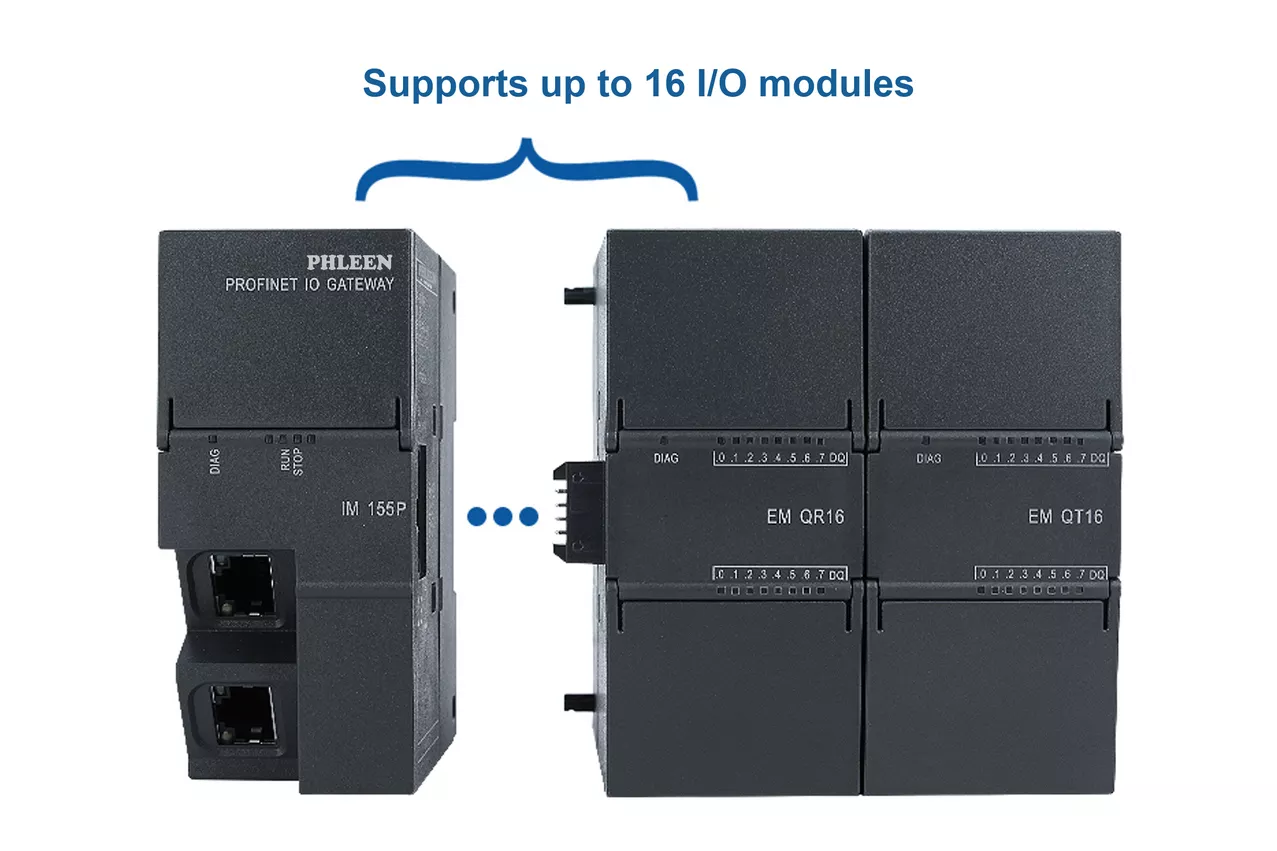
Each IM155 interface module supports up to 16 compatible I/O modules.
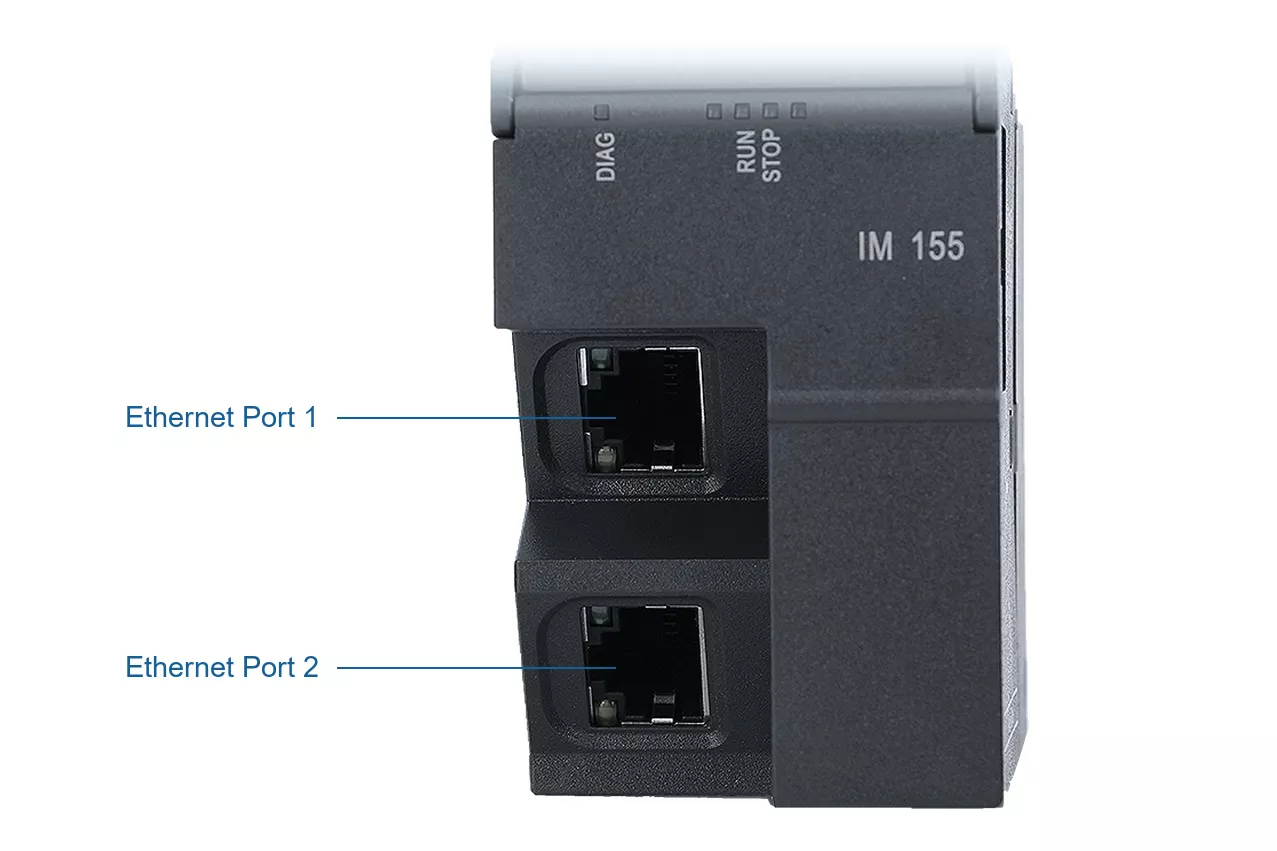
Features two Ethernet ports for flexible network connections.
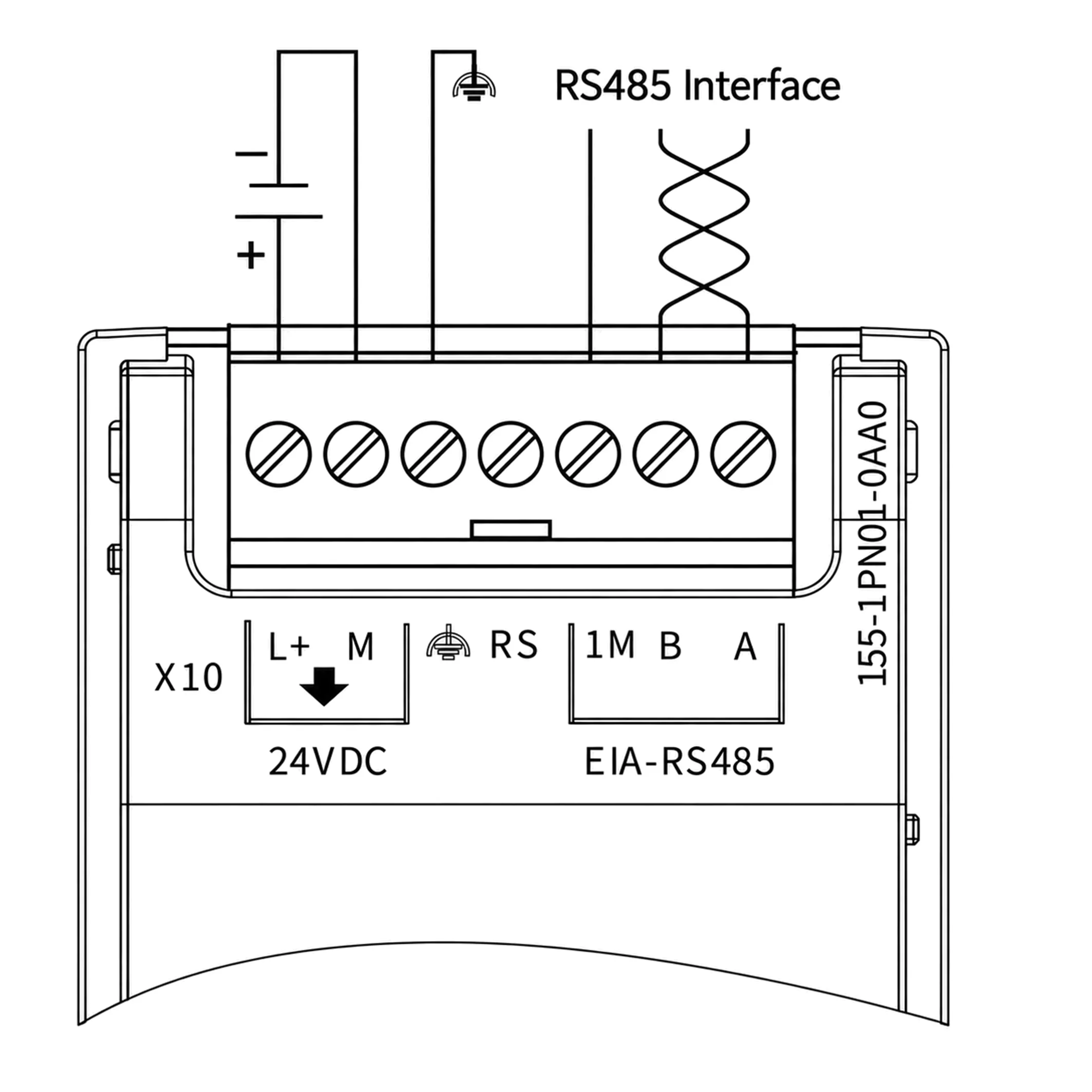
Supports connection to one Modbus RTU slave device via RS485.
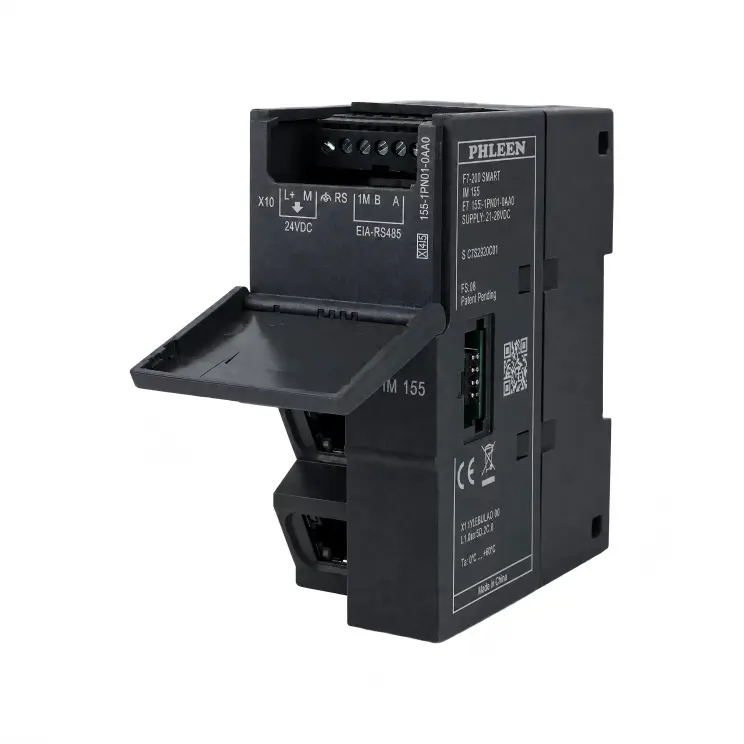
Flexible Integration for Distributed Control Systems.
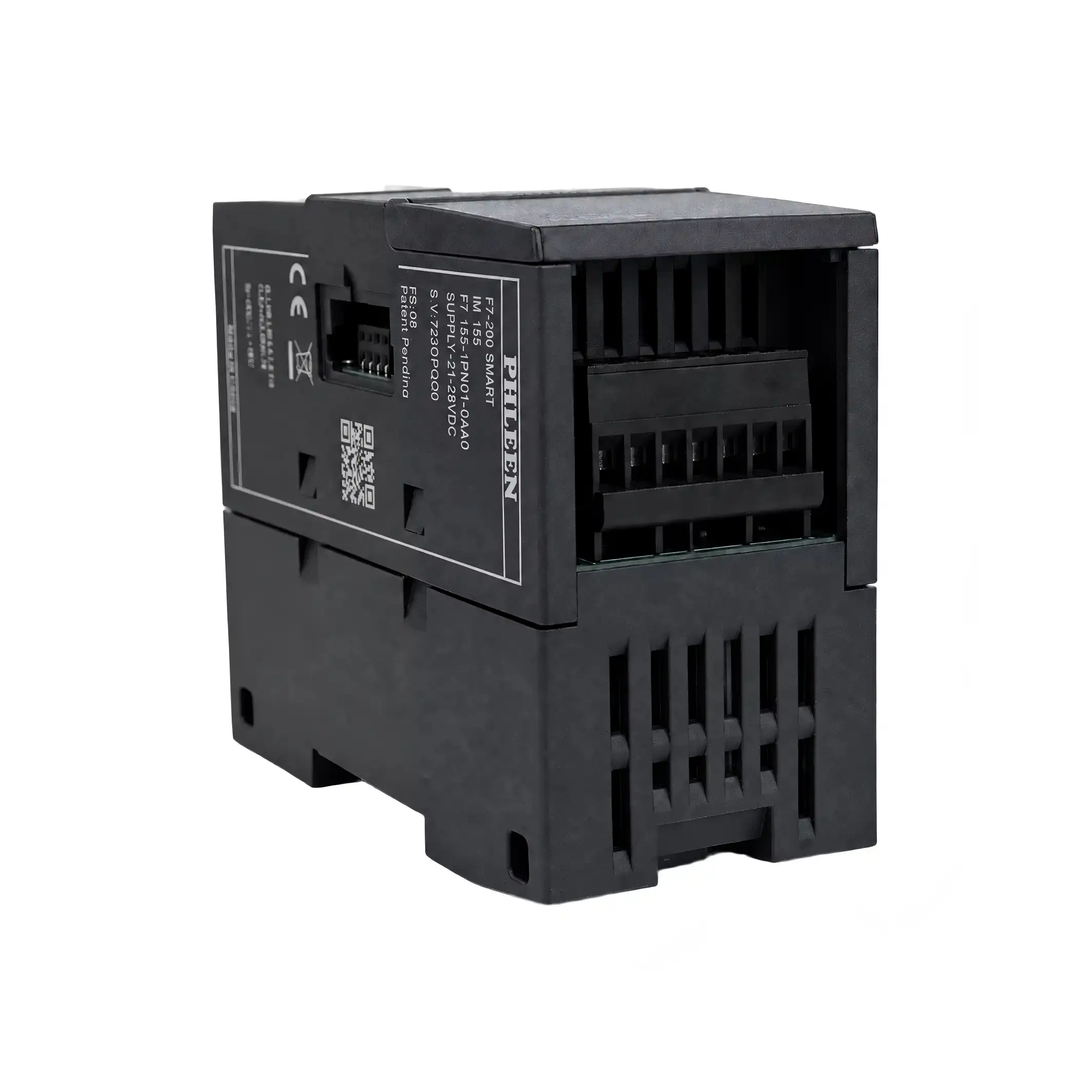
Flame-Retardant Engineering Plastic Housing
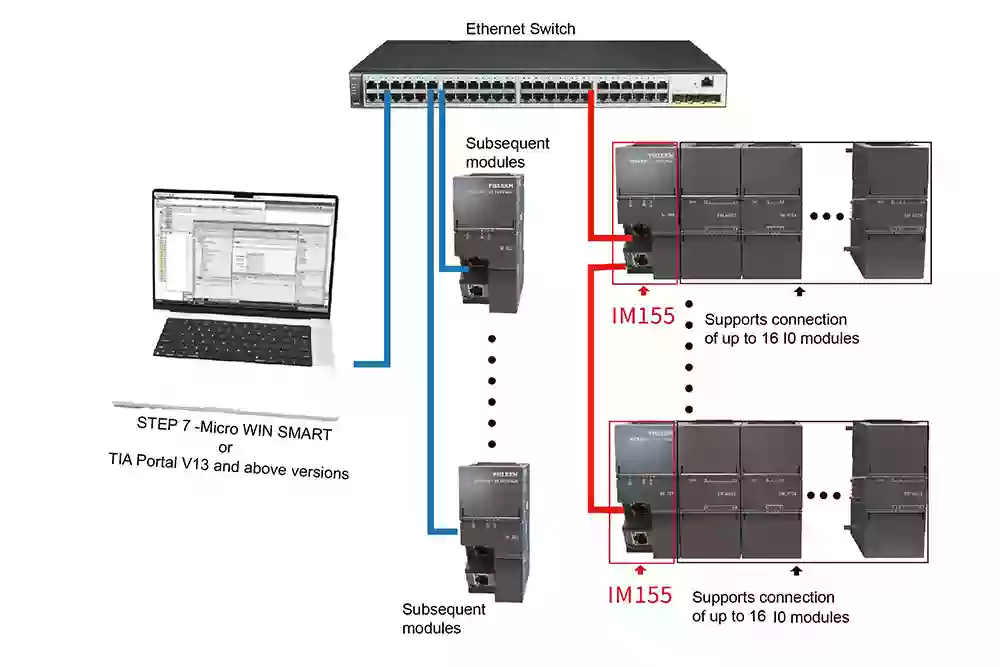
Typical PROFINET Network Architecture
The network ports can be used flexibly. The two network ports of the module can also function as a switch. Two network configuration methods are provided below and are distinguished by different colors.
Differences Between IM1255 and IM1255P
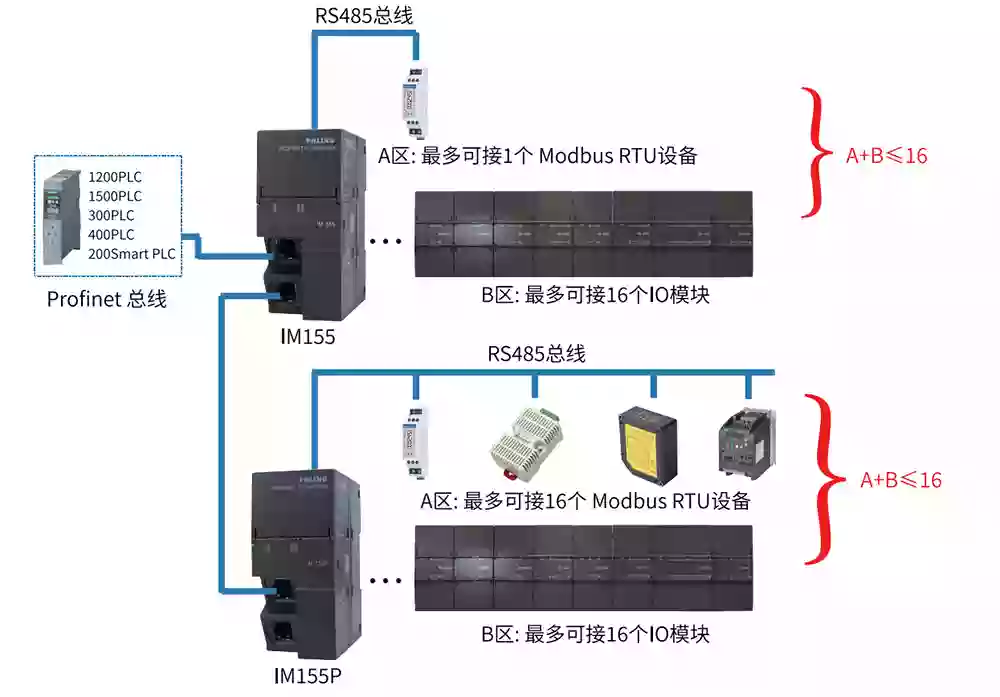
IM155: Can connect up to 1 Modbus RTU device via the RS485 bus.
IM1255P: Can connect up to 16 Modbus RTU devices via the RS485 bus.
| Indicator Light Description | |||
|---|---|---|---|
| LED Indicator | Cause Description | ||
| DIAG |
RUN | STOP |
|
| Off | Off | Off | Power supply voltage to the interface module is missing or insufficient |
| Solid Red | Solid Red | Solid Green | Interface module is not connected to an IO module |
| Flashing Green | —— | —— | When the interface module is connected to an IO module, searching for a PROFINET device triggers the "Flashing LED" |
| Flashing Red | Flashing Green | Flashing Green | Incorrect configuration in the PLC programming software |
| Flashing Red | —— | —— | Incorrect configuration in the interface module's configuration plug-in / No configuration at all |
| —— | Flashing Red | —— | Rated value (DC): 24 V Lower limit (DC): 19.2 V Upper limit (DC): 28.8 V |
| —— | Flashing Green | —— | Running state; the interface module is exchanging data with the IO controller√ |
| —— | —— | Flashing Green | Stop state; the interface module is not connected to the IO controller0.7 W |
Wiring Diagram
|
Supply only to the light-colored BaseUnit |
|
|